Eye Teach Stats

For pre-service and in-service teachers

Eye-Tracking Vignettes

An eye-tracking vignette is a short scene from a real classroom situation: a student works on a graph task. You see the task, the student’s answer (often with a short explanation), and a visualisation of where the student looked while working on it.

Your task is to work out how the student approached the graph. Where did they look, in what order and for how long? What might they have been thinking? The vignettes are based on real student data and focus on systematic errors in interpreting dotplots, histograms, boxplots and case-value plots.

Work through the vignettes

The vignettes are on MaMpf (Mathematical Media Platform), a free, open-source e-learning platform of the Institute for Mathematics at Heidelberg University. Registration is free and you do not need a university e-mail address. The MaMpf interface is in English and German. The vignette course itself is available in English, Dutch and German.
1st icon in Color style

Create a free account on MaMpf

2circle

Choose your language and subscribe to the course

Download the vignettes as PDF

All eye-tracking vignettes in one PDF, in English, Dutch or German.

English

Eye-Tracking Vignettes

CC BY-SA 4.0

Nederlands

Eye-tracking Vignetten

CC BY-SA 4.0

Deutsch

Eye-Tracking Vignetten

CC BY-SA 4.0

No account is needed to download. Licensed CC BY-SA 4.0.

See a Vignette in Action

Before registering on MaMpf, explore how a vignette works through the walkthrough below.

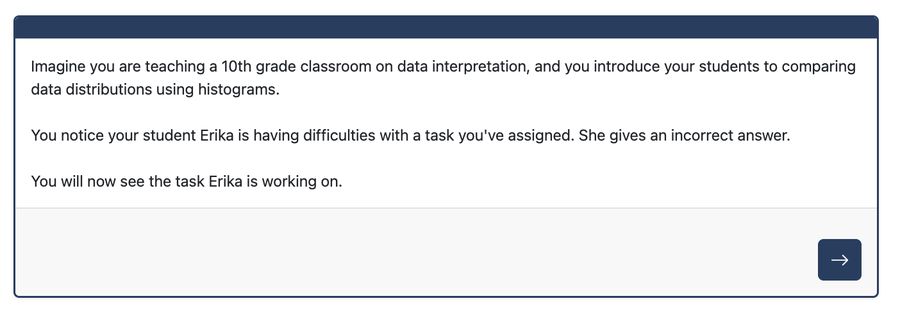
1. Introduction: Scenario

Each vignette opens with a short classroom scenario: a student has just given an answer to a task.

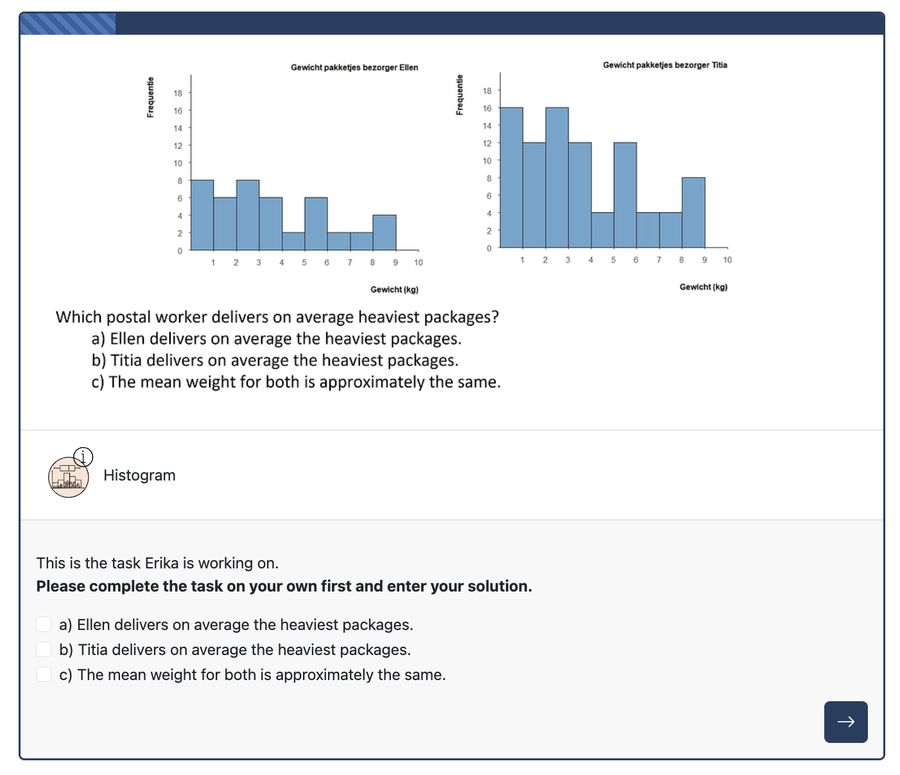
2.Task

Getting familiar with and solving the problem

You see the same task the student worked on, and solve it yourself first — before seeing how they reasoned.

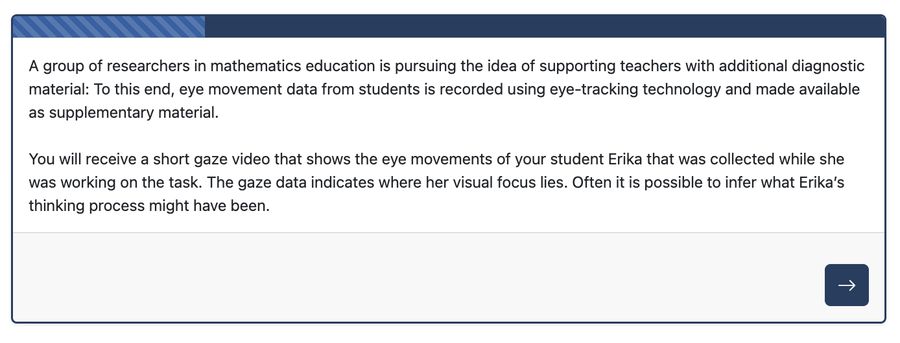
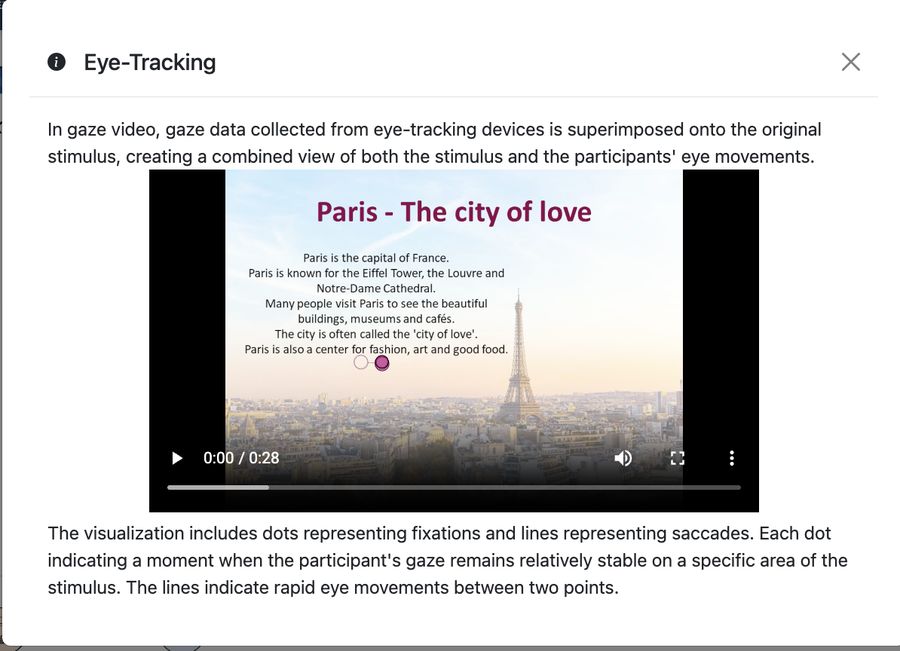
3.Introduction: Eye-Tracking

Before revealing the student’s answer, the vignette introduces the idea of gaze data — what it is, and what it can show.

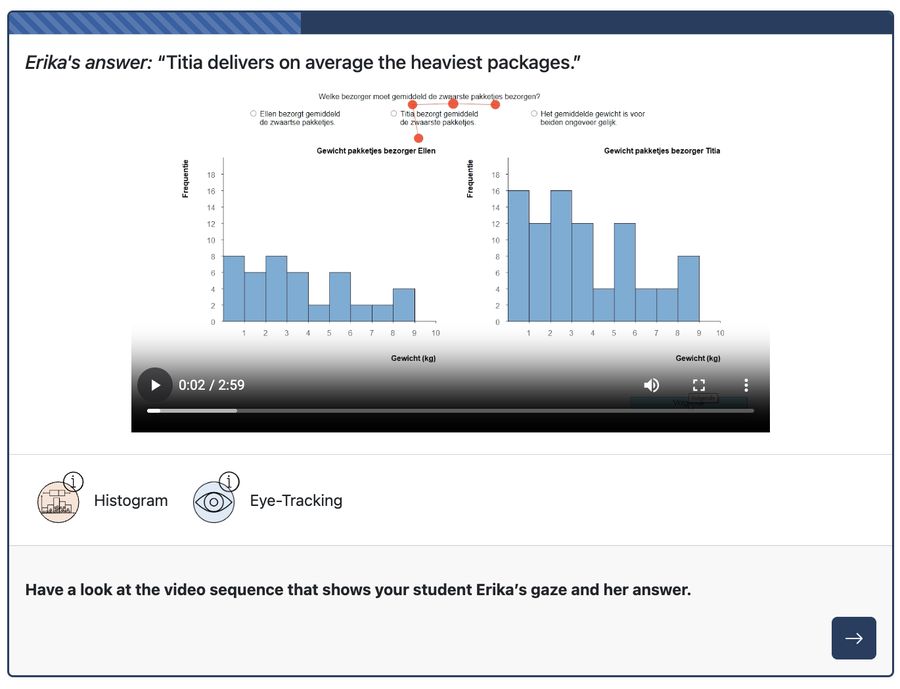
4. Answer and Gaze Data

Getting familiar with eye-tracking and answer

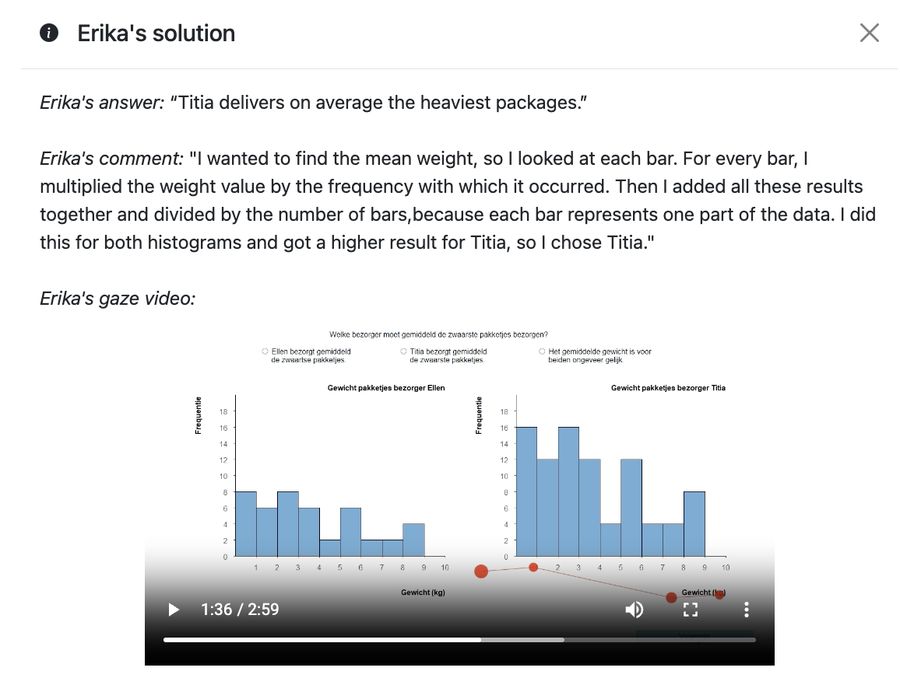
You see what the student answered, then are invited to watch a short recording of her eye movements (gaze video) while she worked.

×

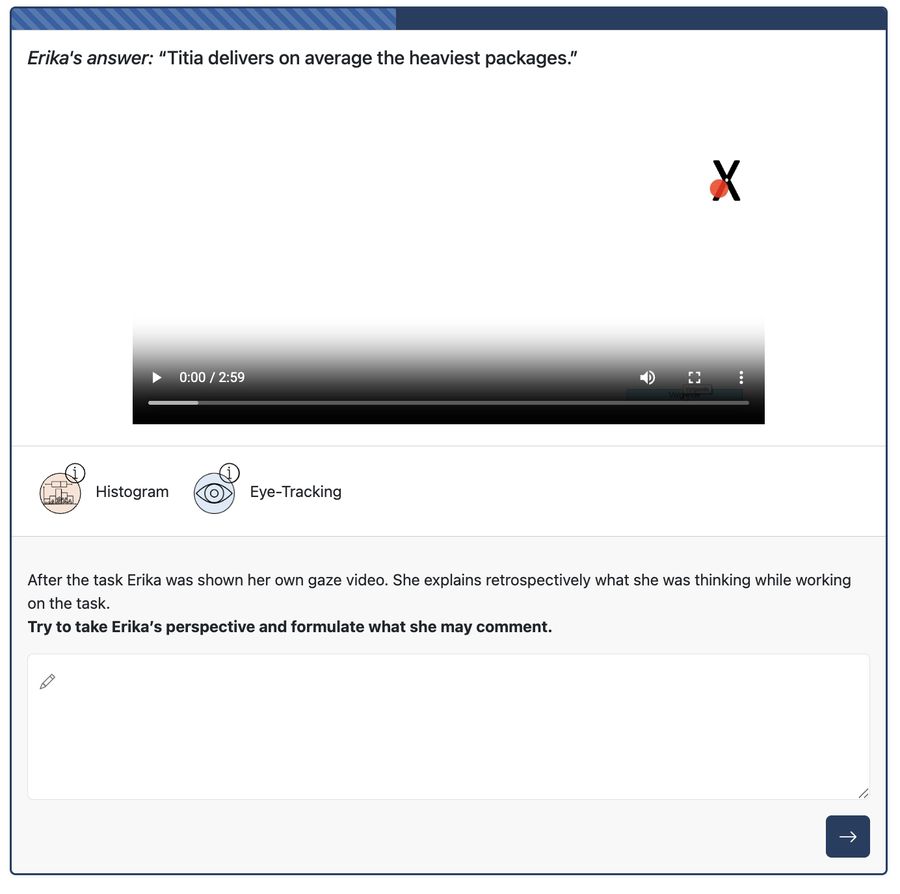
5. Answer and Gaze Data

Put yourself in the student's position

Watching the gaze video, you write down what you think the student may have been reasoning as she worked through the task.

×

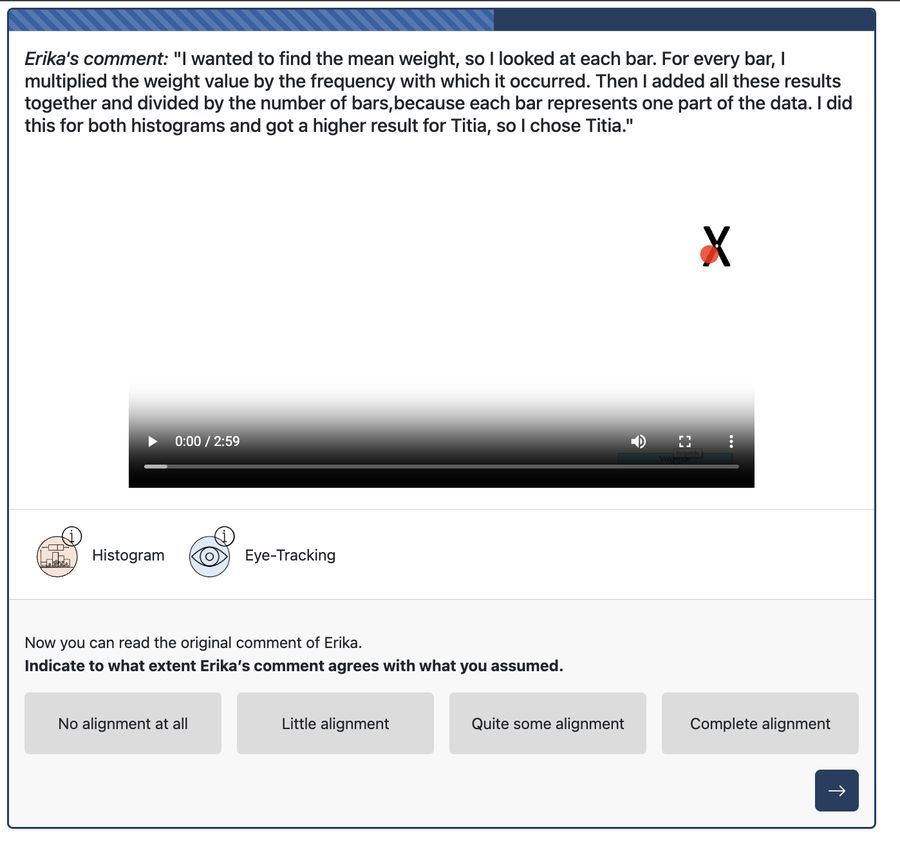
6. Comment and Gaze Data

Assessment of one's own statement

You read the student’s comment and rate how closely it matches what you assumed.

7. Comment and Gaze Data

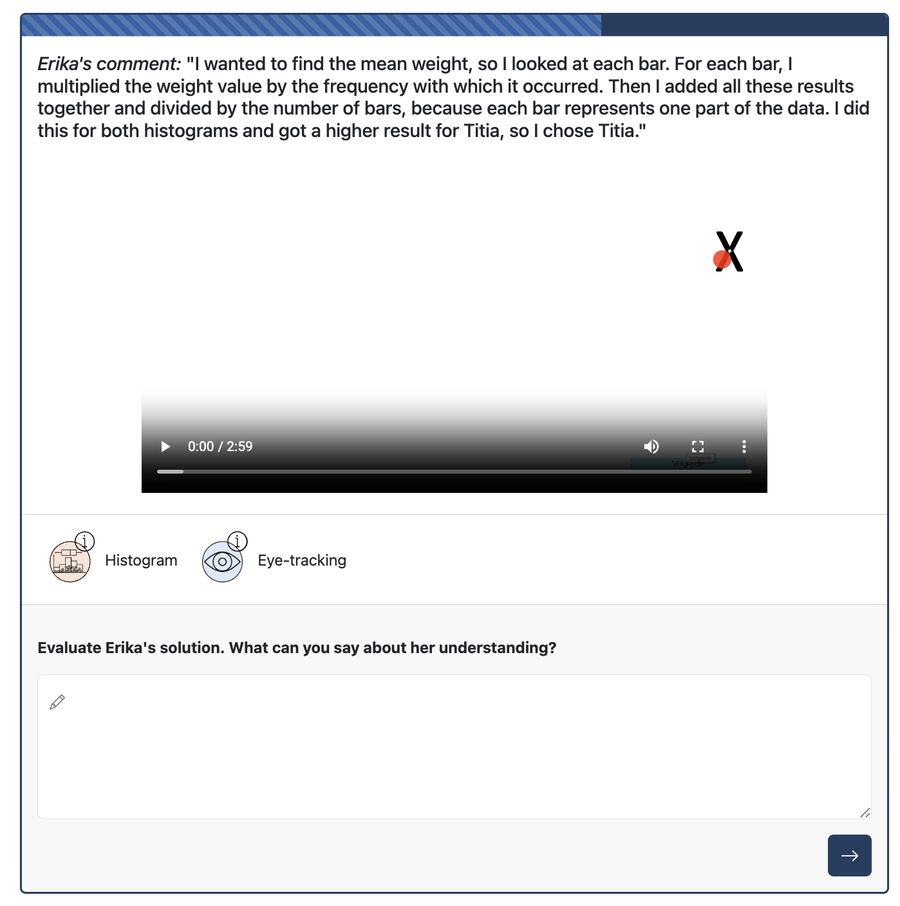
Evaluation of the Solution

You evaluate Erika’s overall understanding, based on her comment and the gaze data together.

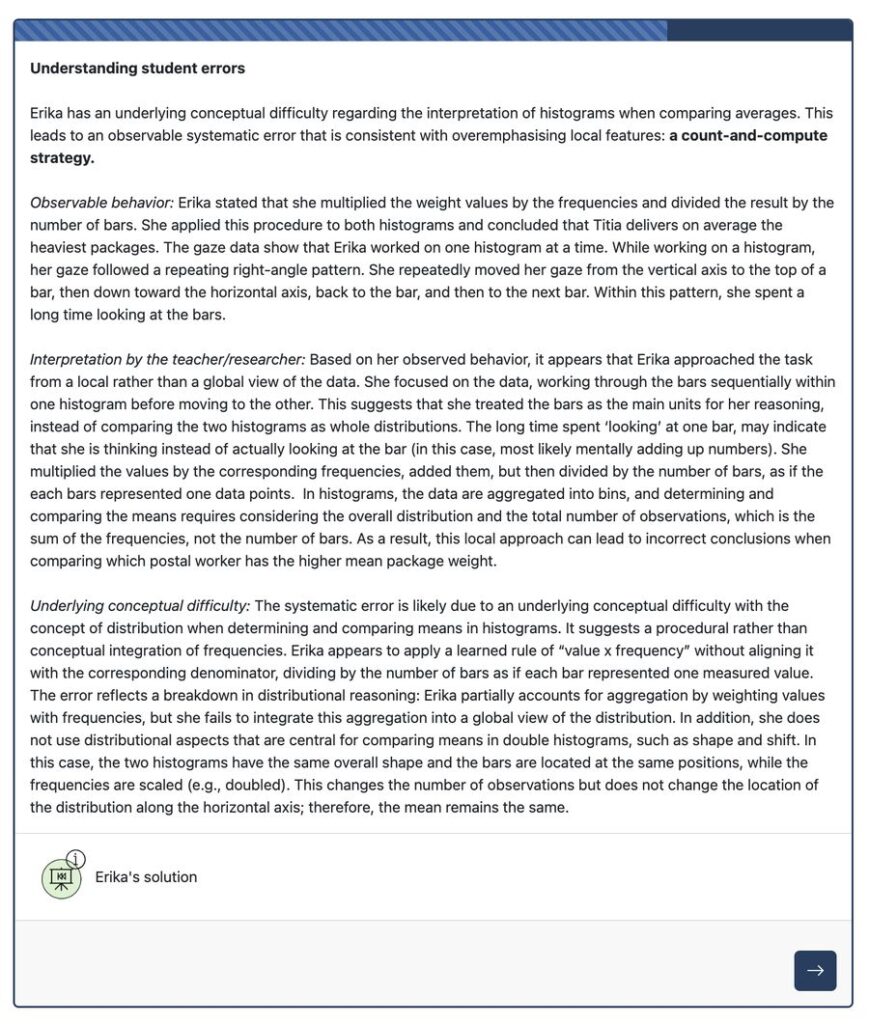
8. Introduction: Error

Finally, the vignette breaks down the observable behaviour, how a teacher might interpret it, and the underlying conceptual difficulty it reveals.

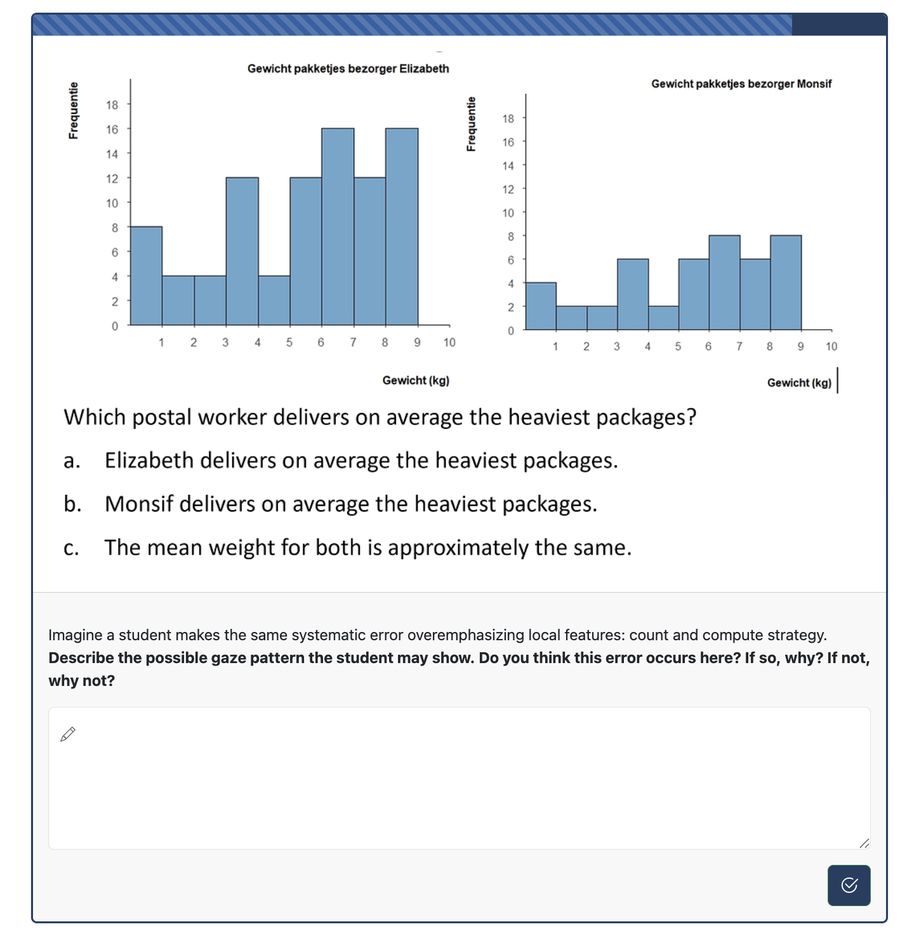
9. Task-Practice

Practicing part-tasks

You apply what you have learned to a new scenario involving the same systematic error, practising the diagnostic skills introduced in the vignette.

Scroll to Top